FCC Router Ban: Is Your TP-Link or Asus Device Safe?
Michael Chang ·
Listen to this article~4 min
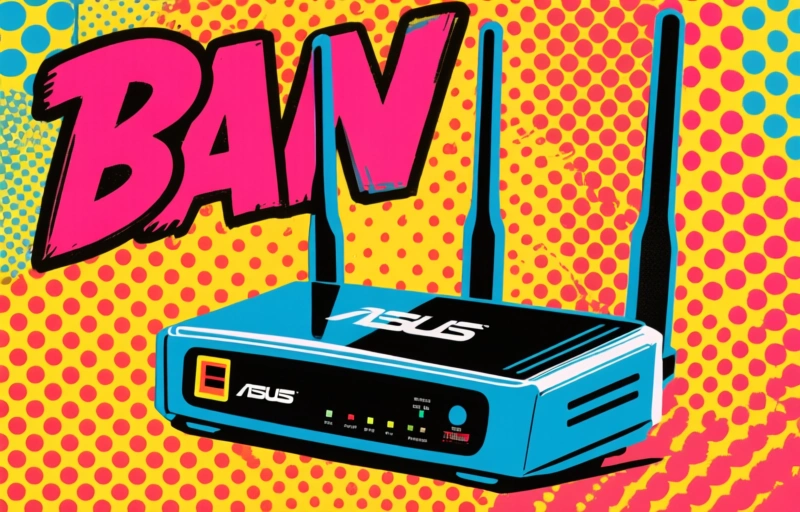
The FCC's new rules on foreign-made routers have users questioning their TP-Link and Asus devices. Learn what the ban means for your current hardware and the steps you can take to ensure your home network stays secure.
So, you might have heard the news. The FCC is cracking down on certain foreign-made routers and networking equipment. It's got a lot of people looking at their home Wi-Fi setup and wondering, 'Wait, is my router on the list?'
If you've got a TP-Link, Asus, or another popular brand sitting in your living room, you're probably feeling a bit uneasy. I get it. We rely on these little boxes for everything now—work, streaming, connecting with family. The last thing anyone needs is security drama.
Let's break this down together, without the panic. What's actually happening, and what does it mean for your hardware?
### What the FCC Ban Actually Means
First, it's important to understand the scope. The Federal Communications Commission isn't banning every router from overseas. The focus is on specific equipment from certain manufacturers that pose what they call 'an unacceptable risk to national security.'
Think of it like a recall for a car model with a critical safety flaw. They're not saying all cars are bad, just that this particular model needs to be addressed. The concern centers on potential backdoors or vulnerabilities that could be exploited.
- The ban prevents new sales and authorizations for certain devices.
- It primarily targets equipment from companies with alleged ties to foreign governments.
- The goal is to protect critical infrastructure and consumer data.
### Is Your Current Router at Risk?
Here's the big question for most of us. If you already own a router from a brand like TP-Link or Asus, should you be rushing to unplug it?
The short answer is: probably not immediately. The current ban is largely forward-looking, affecting future certifications and imports. Devices already sold and in homes aren't being forcibly disconnected. However, it does raise important questions about long-term security support and software updates for existing models.
One industry expert recently noted, 'Consumer awareness is the first line of defense. Knowing where your data flows is more crucial than ever.' This shift means we all need to be a bit more proactive about our digital homes.
### What You Should Do Right Now
Don't just sit there worrying. Take a few simple steps to check your own setup. It's easier than you think.
Start by finding your router's model number. It's usually on a sticker on the bottom or back of the device. Once you have that, do a quick search online for that specific model plus 'FCC' or 'security advisory.' See if any official notices pop up.
Next, make sure your router's firmware is completely up to date. Manufacturers often release patches for vulnerabilities. Log into your router's admin panel—usually by typing 192.168.1.1 into your web browser—and check for updates. While you're in there, change the default admin password if you haven't already. It's a simple step that blocks a huge number of basic attacks.
Finally, consider your router's age. If it's more than 3-4 years old, it might be nearing the end of its supported life anyway. Technology moves fast, and older hardware often can't handle the latest security protocols.
### Looking Ahead: Safer Choices for Your Network
This whole situation is a good reminder to think about where our tech comes from. For your next router purchase, you might want to consider brands that are more transparent about their manufacturing and security practices.
Look for companies that provide regular, detailed firmware updates and have a strong track record on privacy. Read reviews that focus on security features, not just speed tests. Sometimes paying a bit more upfront for a device with a longer, more secure lifespan is the smarter financial move.
Your home network is the gateway to your digital life. Taking a little time to understand these changes and secure your equipment isn't about fear. It's about taking sensible control. You've got this.