Google Chrome's New AI Tools for Smarter Browsing
Michael Chang ·
Listen to this article~3 min
Google Chrome is getting three new AI-powered features: product comparison, tab-based search, and side-by-side browsing. These tools aim to make shopping, multitasking, and finding information faster and easier for everyday users.
Google Chrome is getting a serious upgrade. The browser we all use every day is about to get a lot smarter with three new AI-powered features. Think of it as Chrome finally learning to do the heavy lifting for you.
These tools aren't just gimmicks. They're designed to solve real problems we all face when shopping online, managing too many tabs, or trying to compare information across websites. Let's break down what's coming and why it matters.
### AI-Powered Product Comparison
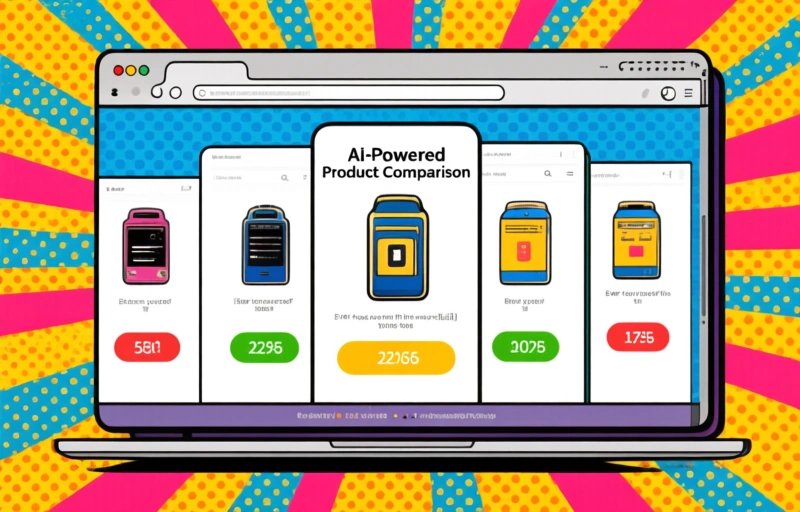
Ever found yourself with five tabs open, trying to compare prices and specs for a new gadget? It's a pain. Chrome's new AI feature aims to fix that. It can automatically pull product details from multiple pages and present them in a clean, side-by-side view.
Imagine shopping for a new laptop. Instead of manually scanning each site, Chrome will gather the key specs like processor speed, RAM, storage, and price. It then shows you a simple comparison table. This saves time and helps you make a smarter decision without the mental gymnastics.
### Tab-Based Search That Actually Works
We've all been there. You have 30 tabs open and can't find the one with that important article or receipt. Chrome's new tab search feature uses AI to understand what's in your tabs, not just their titles.
You can search for "running shoes review" or "electric bill" and Chrome will find the right tab instantly. It's like having a personal assistant for your browser history. No more clicking through every open tab hoping to stumble on the right one.
### Side-by-Side Browsing Made Easy
This one's a game-changer for multitaskers. Chrome now lets you view two pages side by side in the same window without resizing anything manually. You can drag a tab to the side and it snaps into place.
Here are a few ways you might use it:
- Compare product reviews on two different sites
- Watch a tutorial video while following written instructions
- Keep a reference document open while writing an email
- Check your calendar while browsing travel deals
### Why These Features Matter for Shoppers
For anyone who buys stuff online, these tools are a huge time-saver. The product comparison feature alone could save you 10 to 15 minutes per shopping trip. Combine that with side-by-side browsing, and you can check multiple retailers at once.
"I used to dread comparing prices on electronics," says one early tester. "Now Chrome does the grunt work for me. It's like having a shopping assistant built right into my browser."
### What's Next for Chrome's AI
Google is clearly betting big on AI. These features are just the beginning. Expect more intelligent tools in future updates, like automatic price alerts, personalized shopping recommendations, and even smarter tab management that learns your habits.
The best part? These features are rolling out to everyone gradually. You don't need to be a tech expert to use them. They just work. Keep your Chrome browser updated, and you'll start seeing them appear in the coming months.